Sesame Game Engine (2024 - 2026)
Duration: ~2 years
Platform: Java Swing | C# | Monogame
About
Sesame is a tile-based, 2D game engine. Sesame's standardized toolset allows for the streamlining of video game development across all genres. An easy to use 2D level editor is also included and can be used to design, edit, and implement levels which can be imported into any Sesame project.
Development History
With 3 years of programming experience, 4 released projects, and numerous prototypes under my belt, I felt that I had developed a deep enough understanding of the elements that underlie most every game. As such, I strove to create a standardized set of tools with which future development could be streamlined.
This is the story of how I spent 2+ years of my life making infinite games, but no games.
Early Development
Work on Sesame began as a series of prototypes and tech-demos created in my free time over the course of a handful of months.
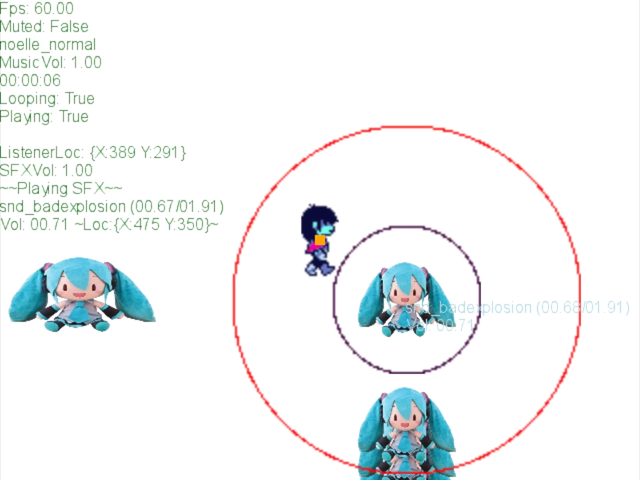
The main features implemented included:
- Global state manager.
- Input handling.
- Audio management.
- Animated sprite support.
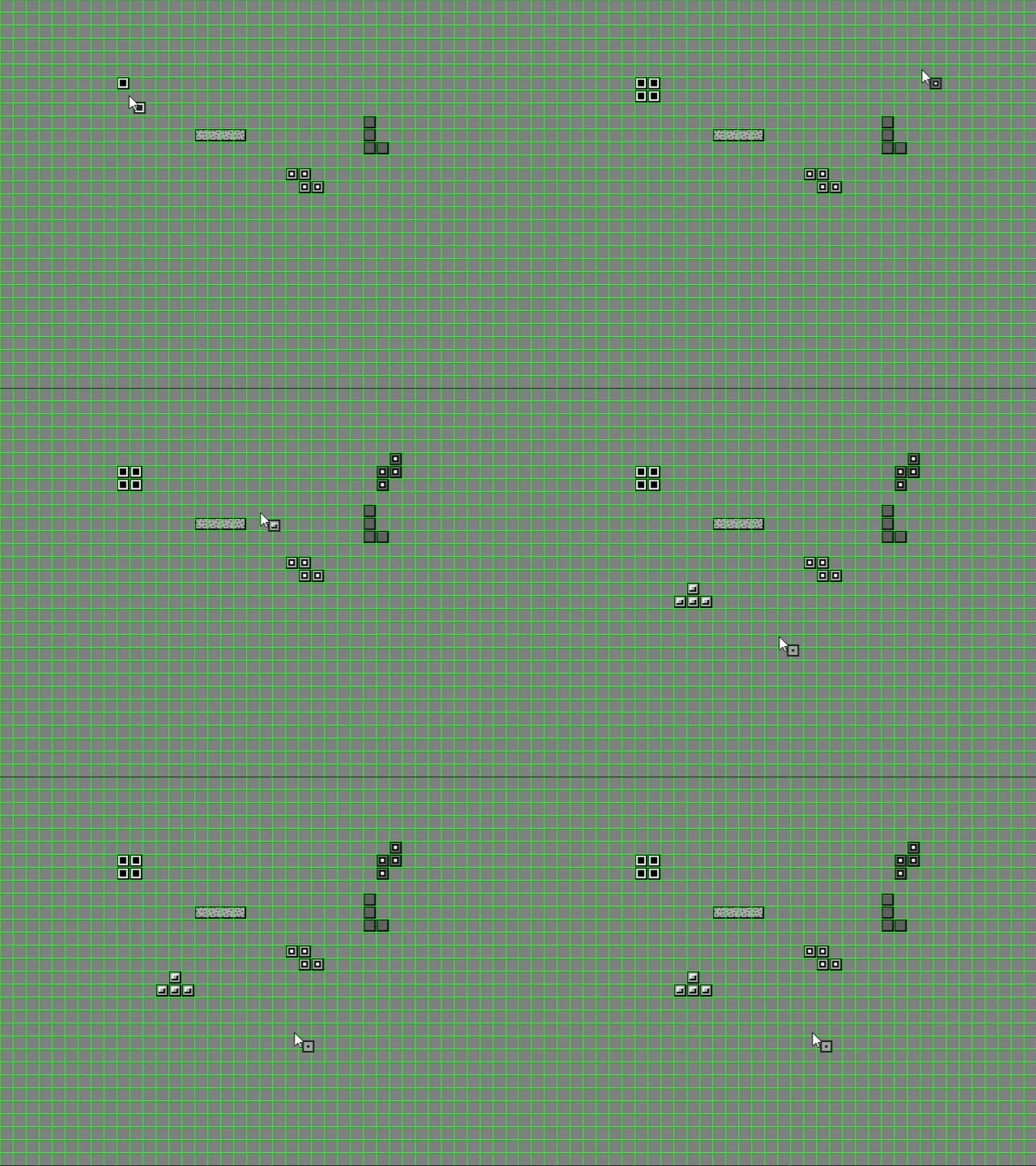
Once I had collected the various proof of concepts into one package, I began work on a level editor. It was around this time that I wanted to test Sesame's feature set out in the wild, leading me to join Trijam #270 (which you can read about here). By the end of the jam, it was apparent that Sesame needed more work; specifically the editor.
So to work I went.
Editor V1
Firstly, I needed a way to easily import a project's object classes for use in the editor. This was achieved by iterating over a set of class names retrieved at runtime, and adding an instance of the class to a selection menu. A similar process was used to allow for the retrieval of sprite assets such as background images.
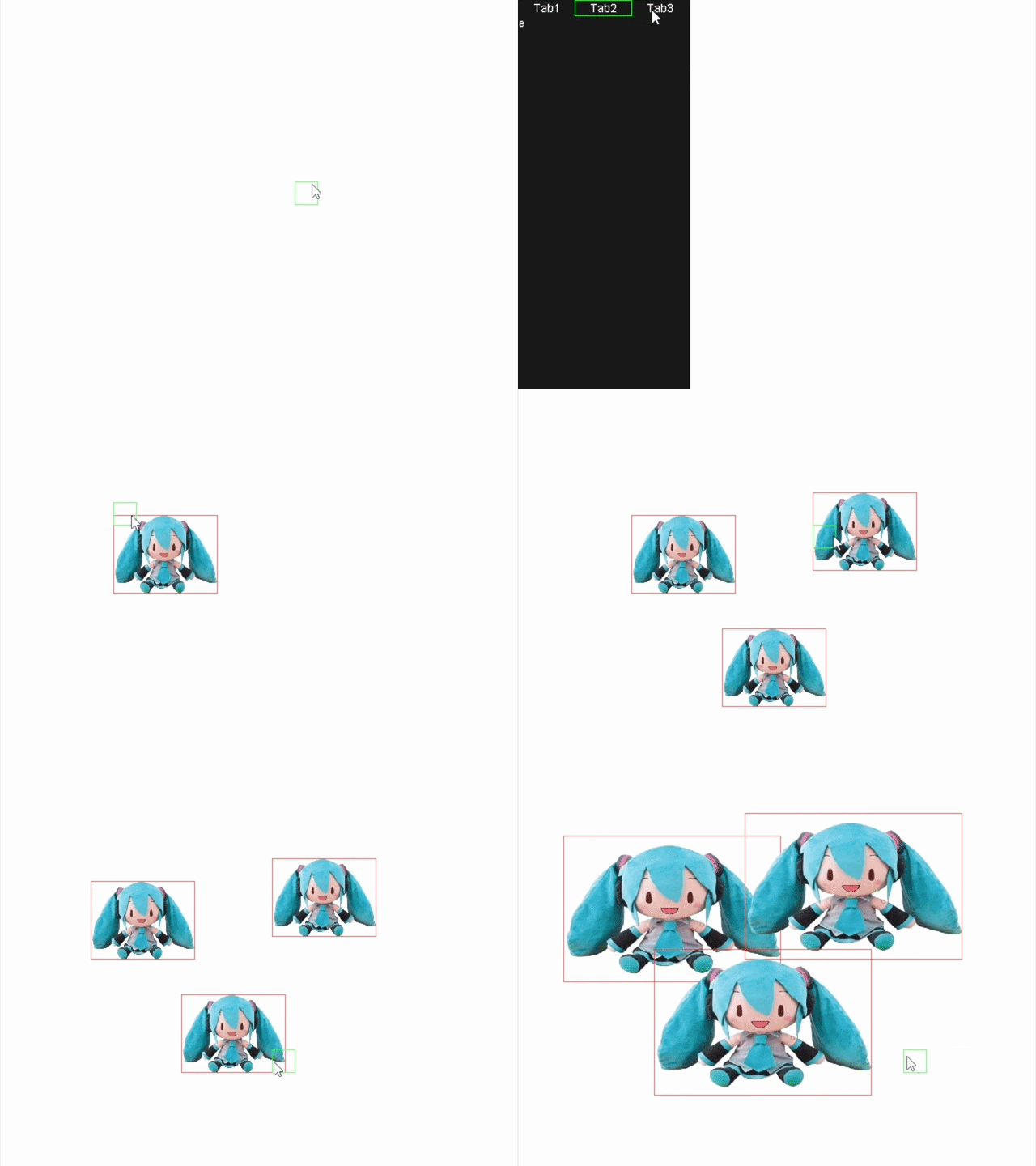

With object importing and a level IO system completed, it was time to develop the editor's capabilities. This included:
- Ability to select object types.
- Ability to add and remove instances of an object.
- Ability to move objects.
- Ability to resize objects.
- Quality of life selection and movement tools.
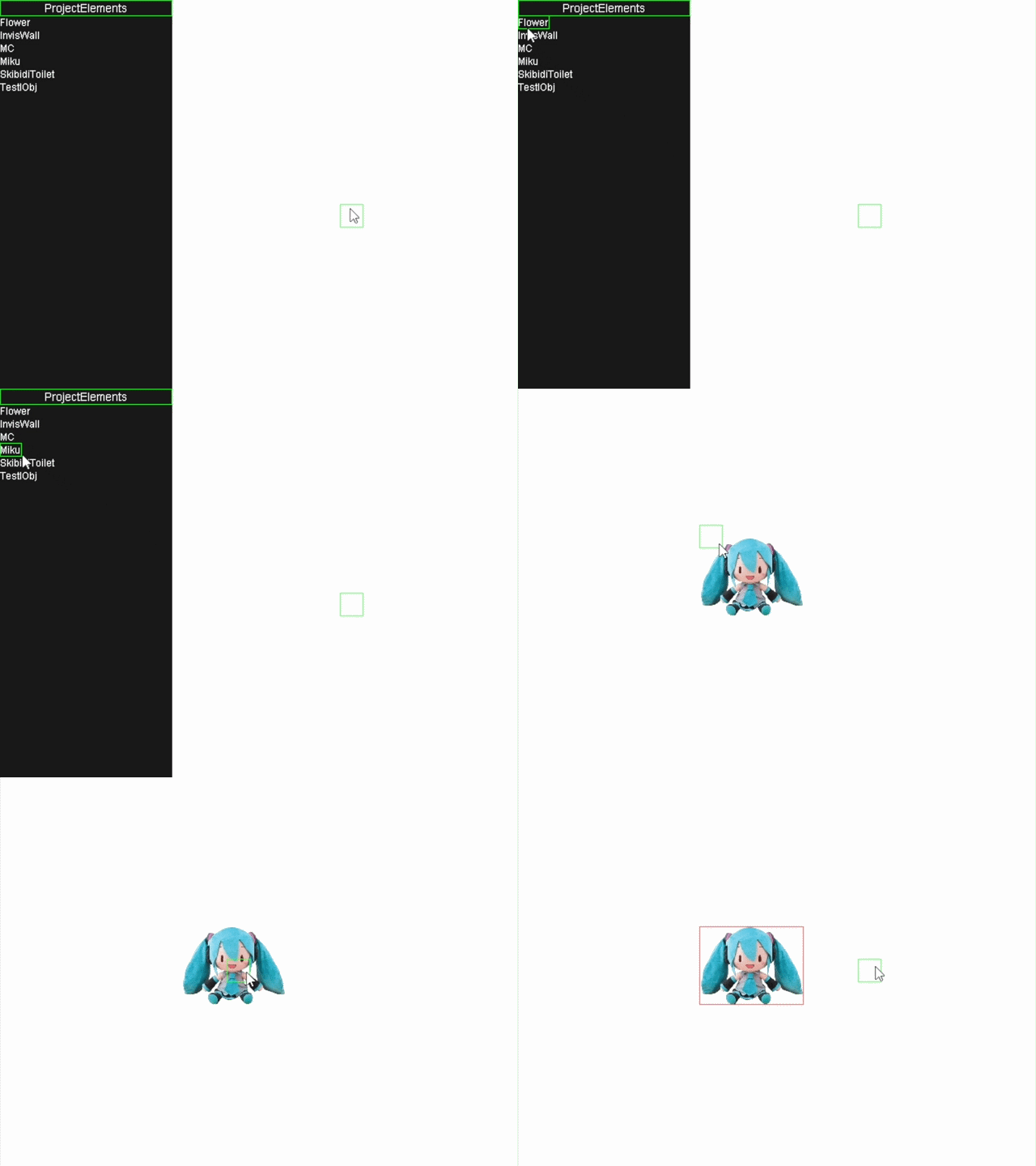
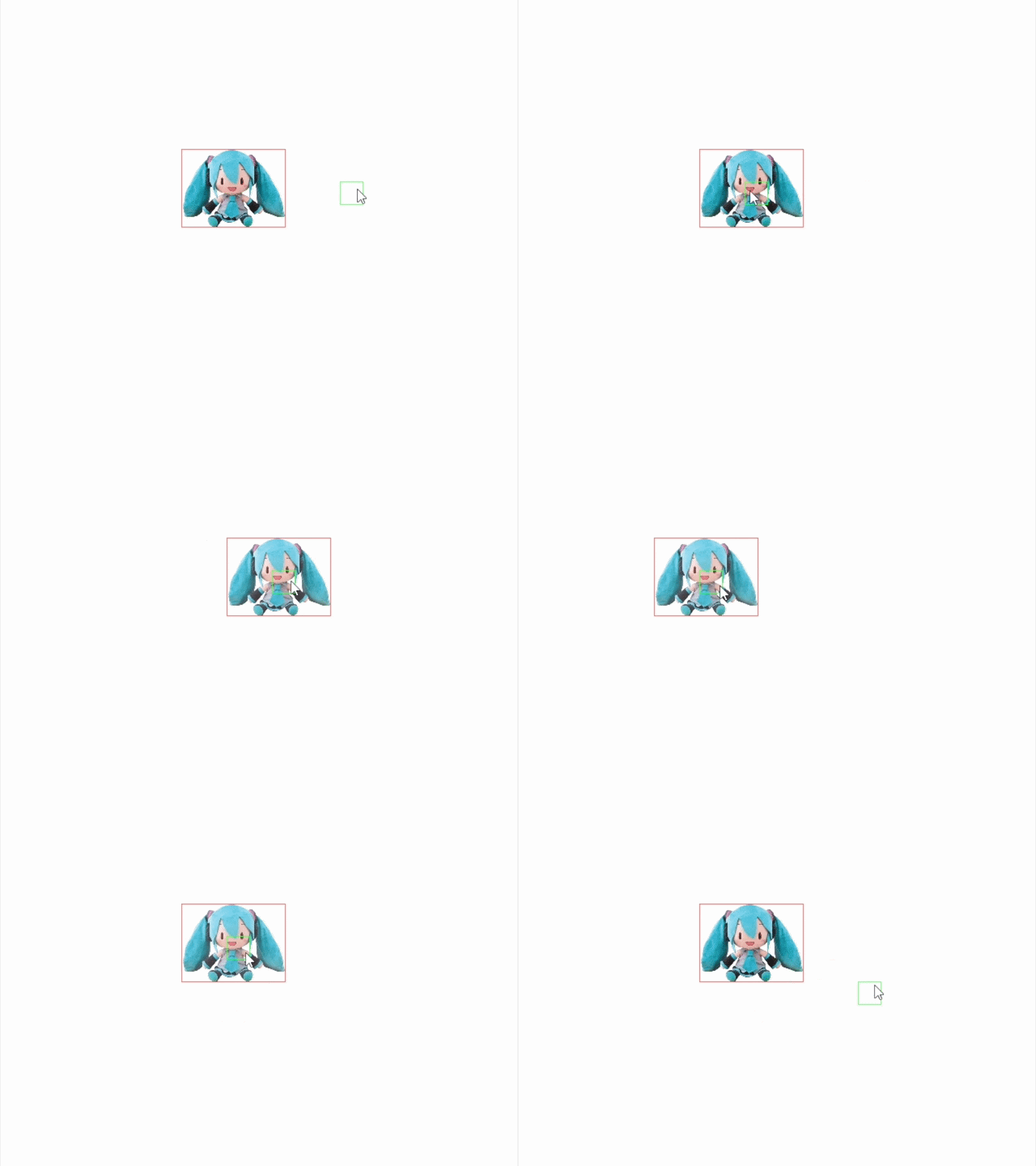
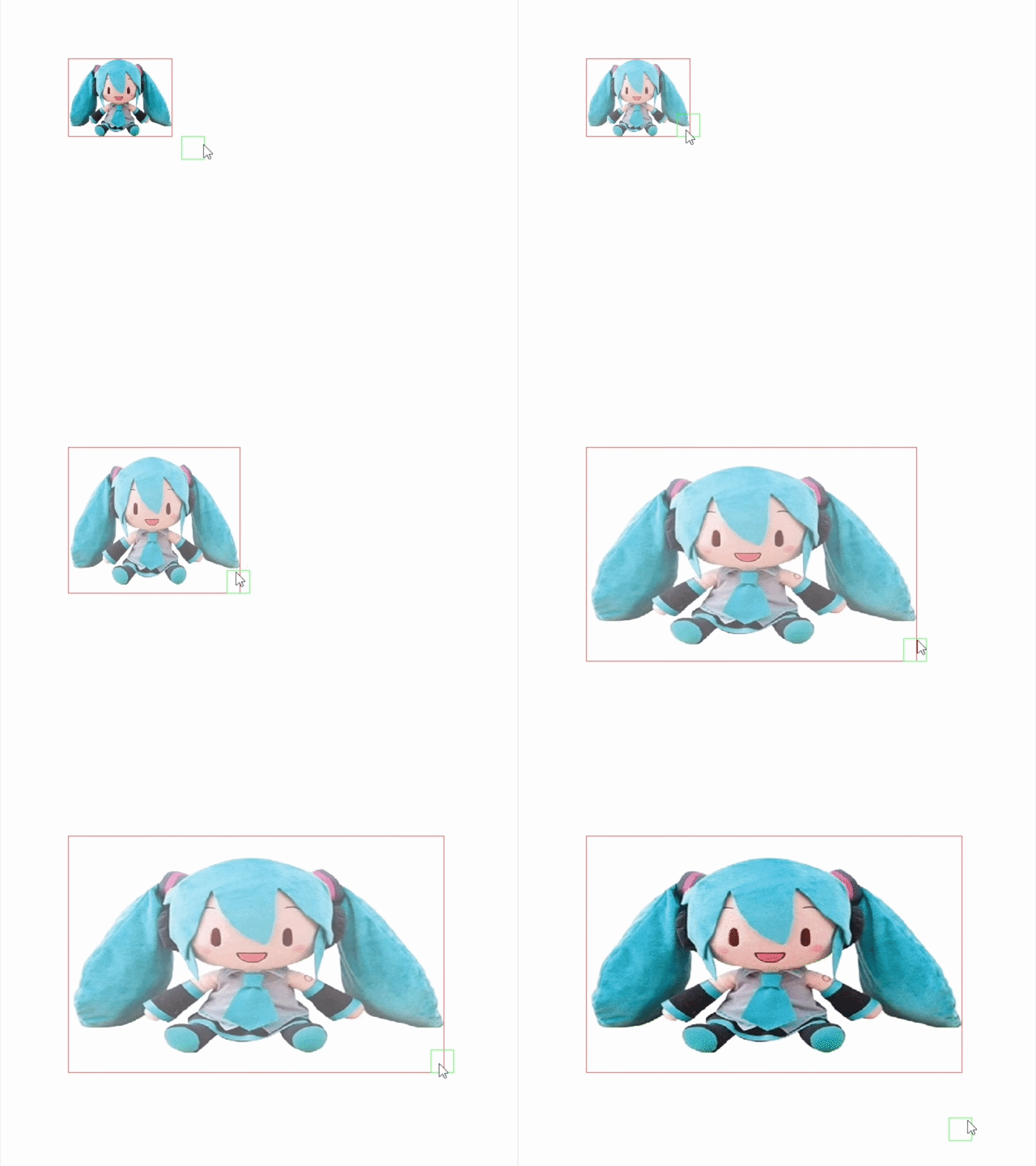
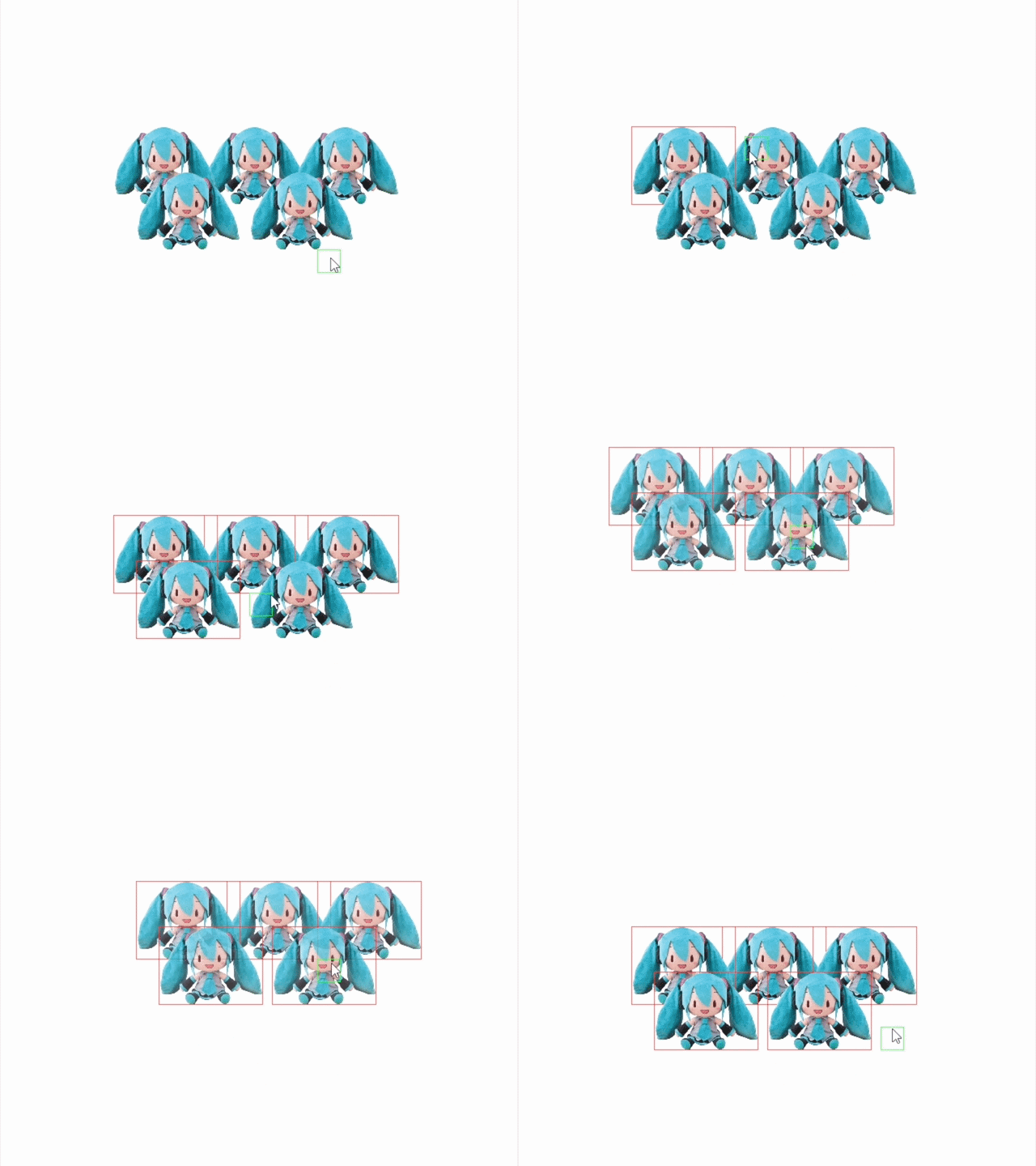
Once the editor could reliably be used to create levels, it was time to test it in a real-world development setting.
Sesame V1
In order to test the efficacy of Sesame's editor, I created a proof of concept in the style of top-down 2D adventure games. Each scene would have a player character, navigable level geometry, and interactable elements.
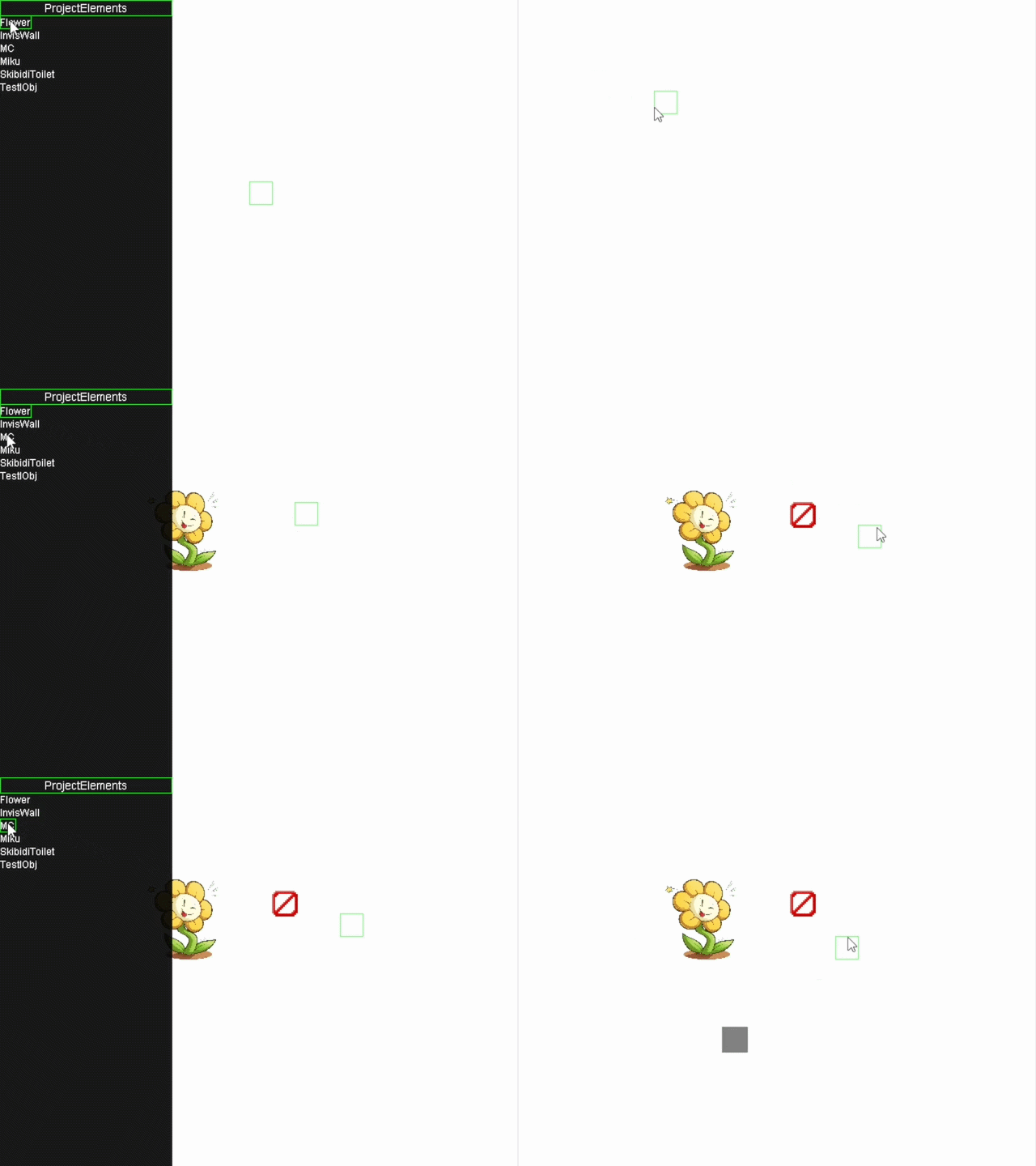
By experimenting with this prototype, I further refined Sesame's toolkit; eventually attempting to create a full game in engine. Said game never came to fruition, as you can read about here, but the experience of using Sesame for active development helped orient myself towards its new future.
Switch to C#
For years I had been developing in Java Swing. Java is not ideal for video games. So I switched C# Monogame.

Sesame V2
With the switch to a new development platform came the opportunity to revisit Sesame's features and implementations. A more experienced programmer at this point, optimizations were made across the board, but the scope of Sesame's development capabilities was also changed.
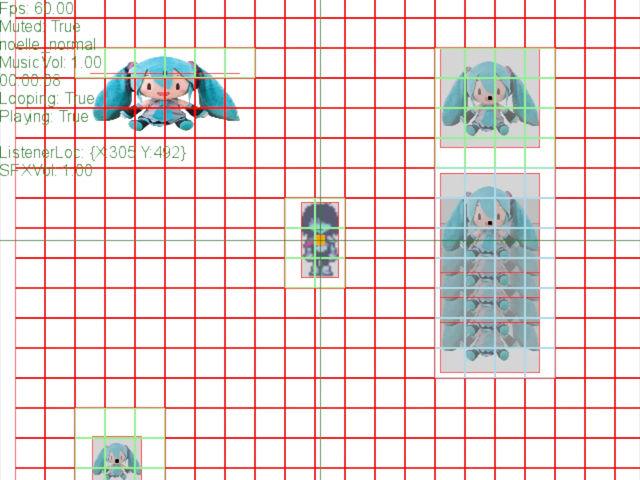
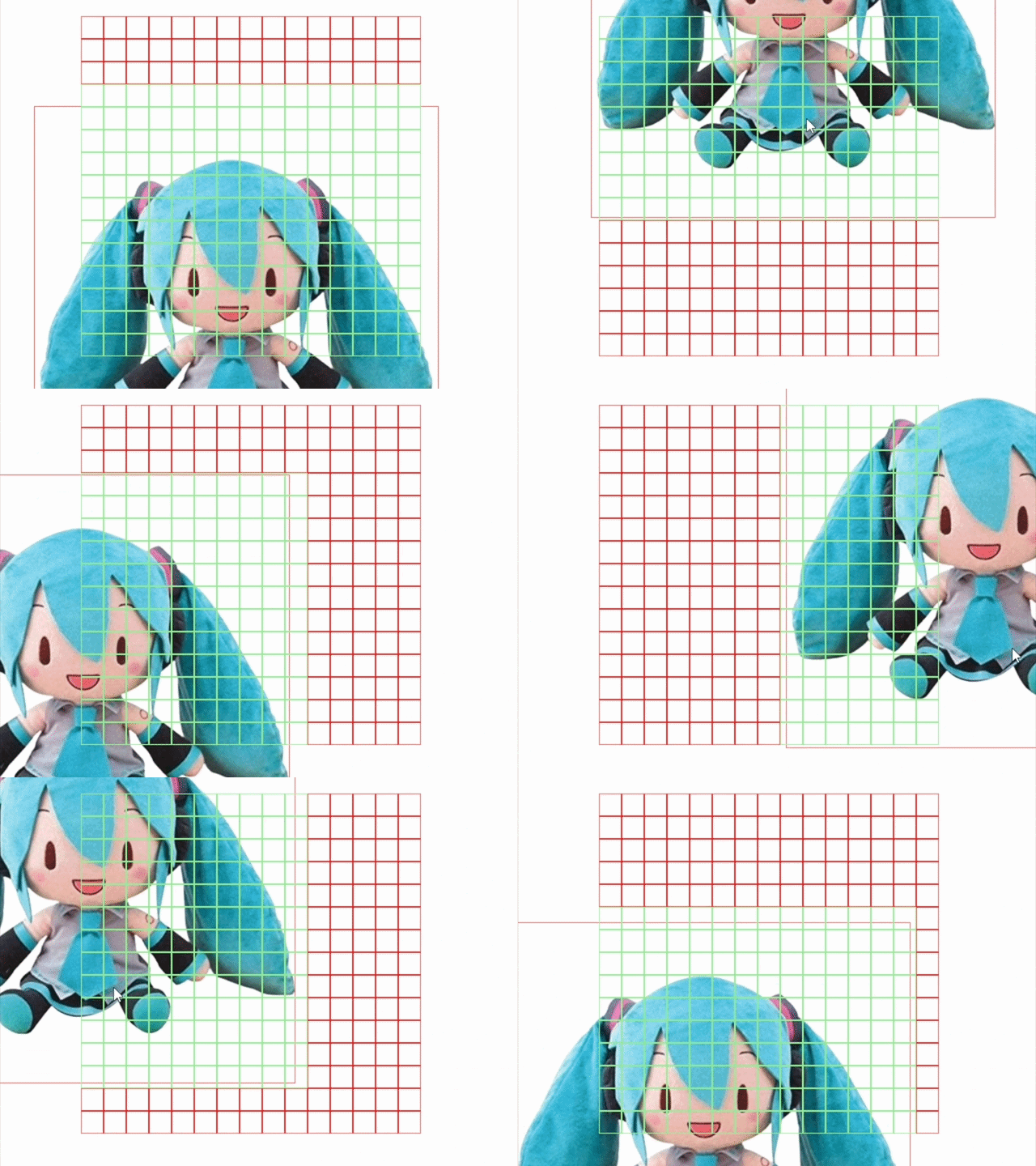
One primarily limitation of Sesame up to this point was the static nature of its levels. Each level was a fixed size, viewable only from a fixed camera perspective. Already drowning in systems rewrites, I decided to spend a large amount of time retooling Sesame's render-pipeline to allow for free-form camera movement. This allowed for the inclusion of a variety of camera types (static, follow, controllable, etc) along with the ability to have levels of veritable size.
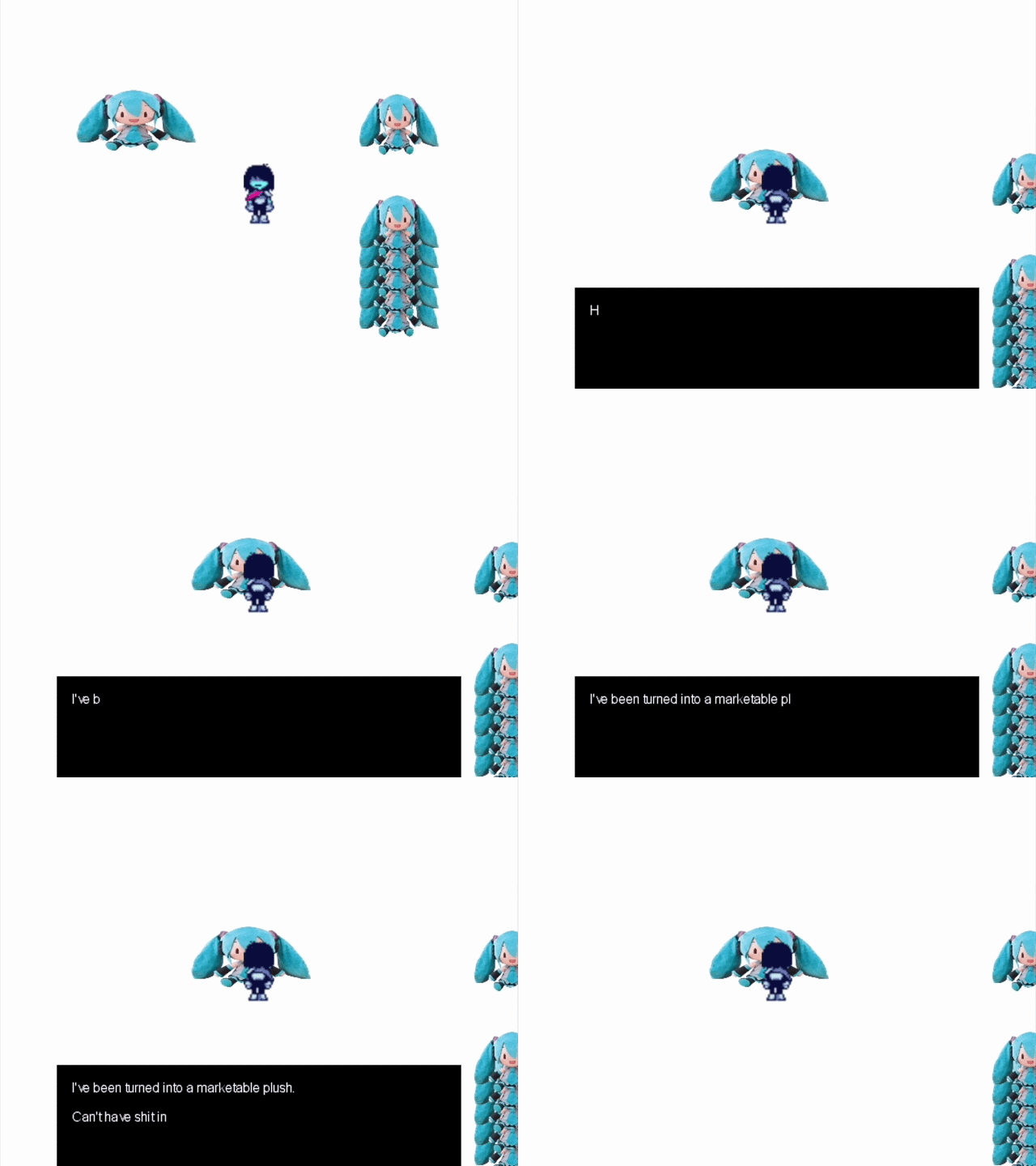
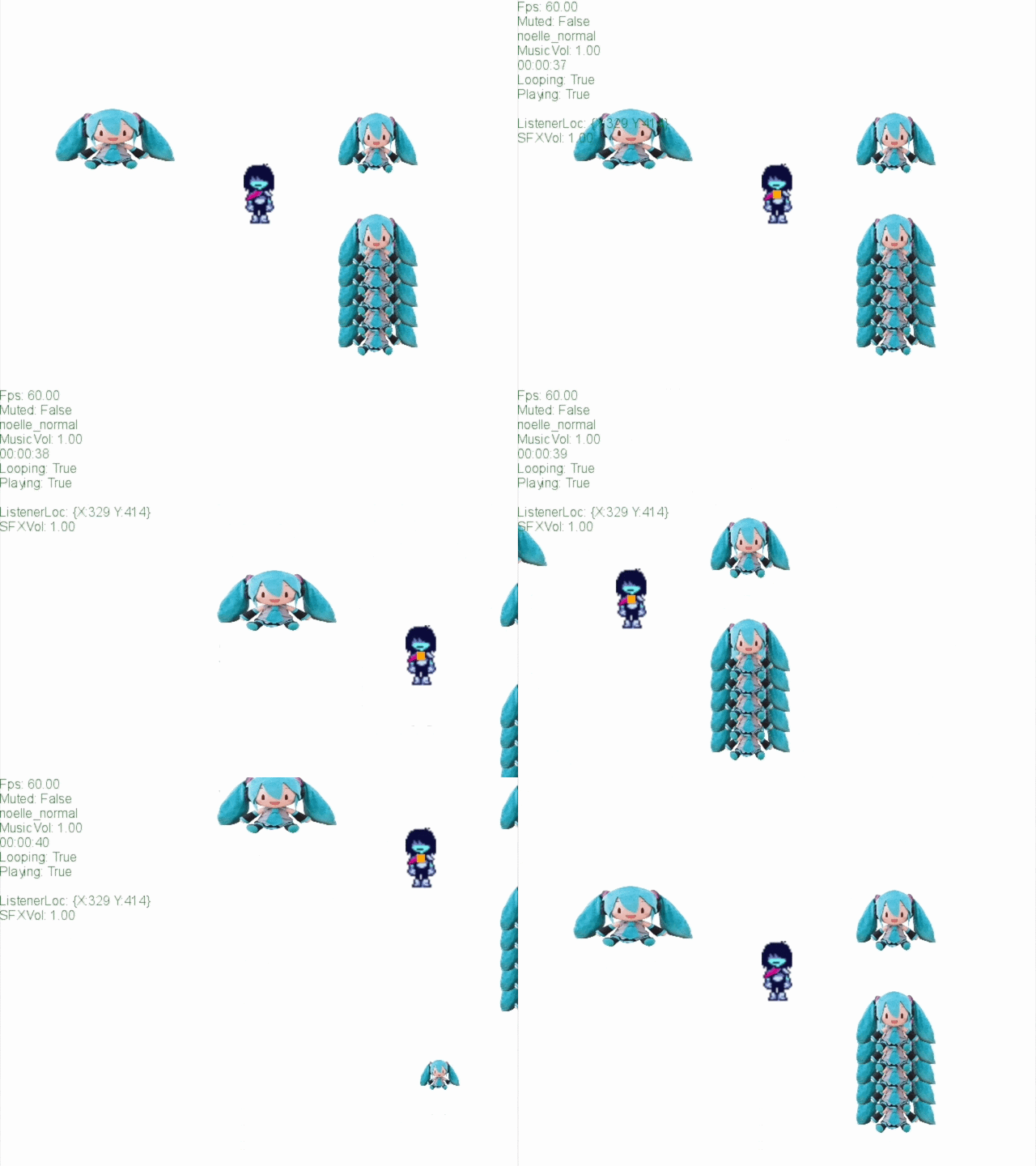
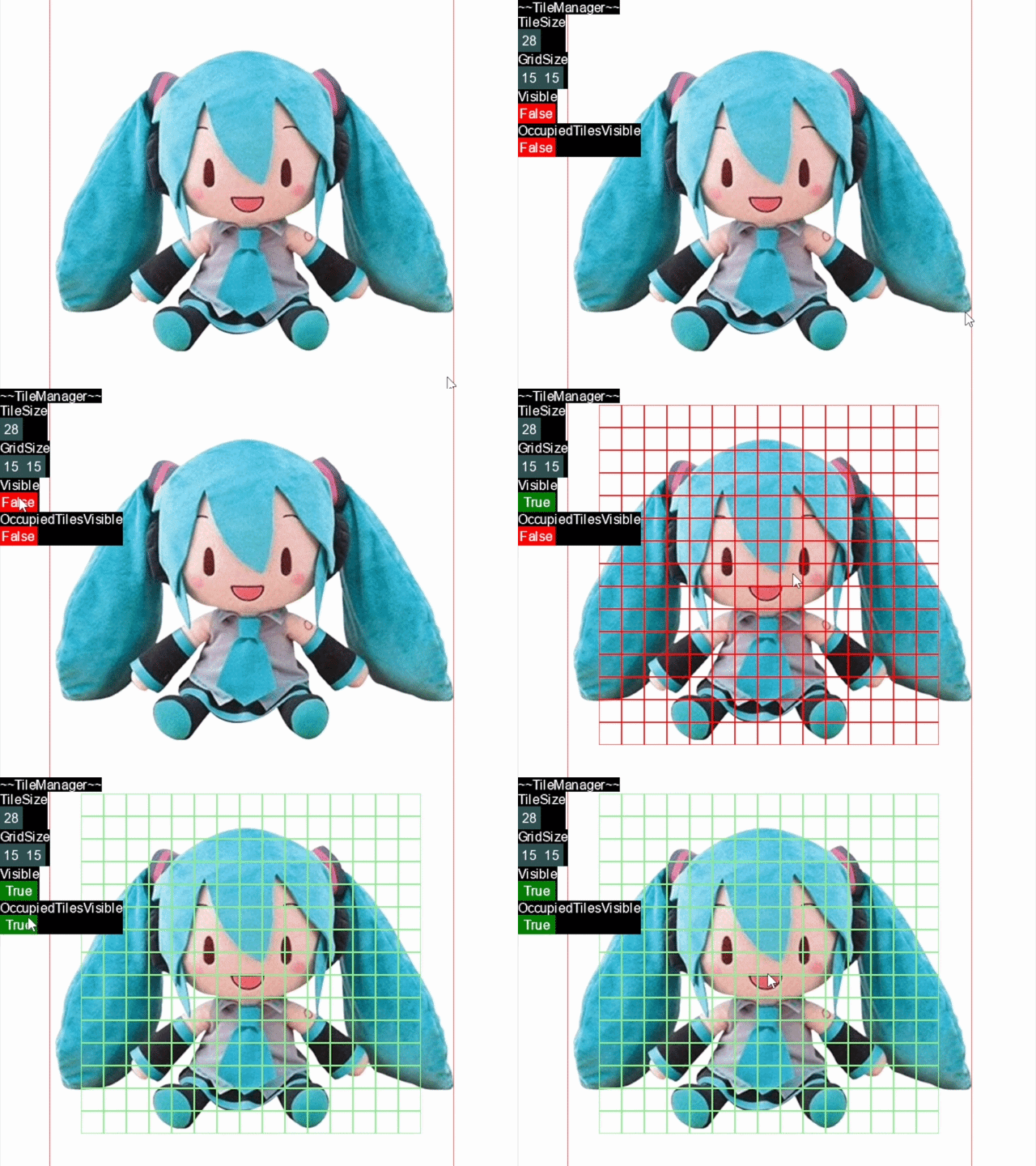
Another major improvement was the new tile manager. Now, tiles would keep track of objects overlapping their position and update only in response to movement. This change resulted in a large performance boost, as well as easier collision handling.
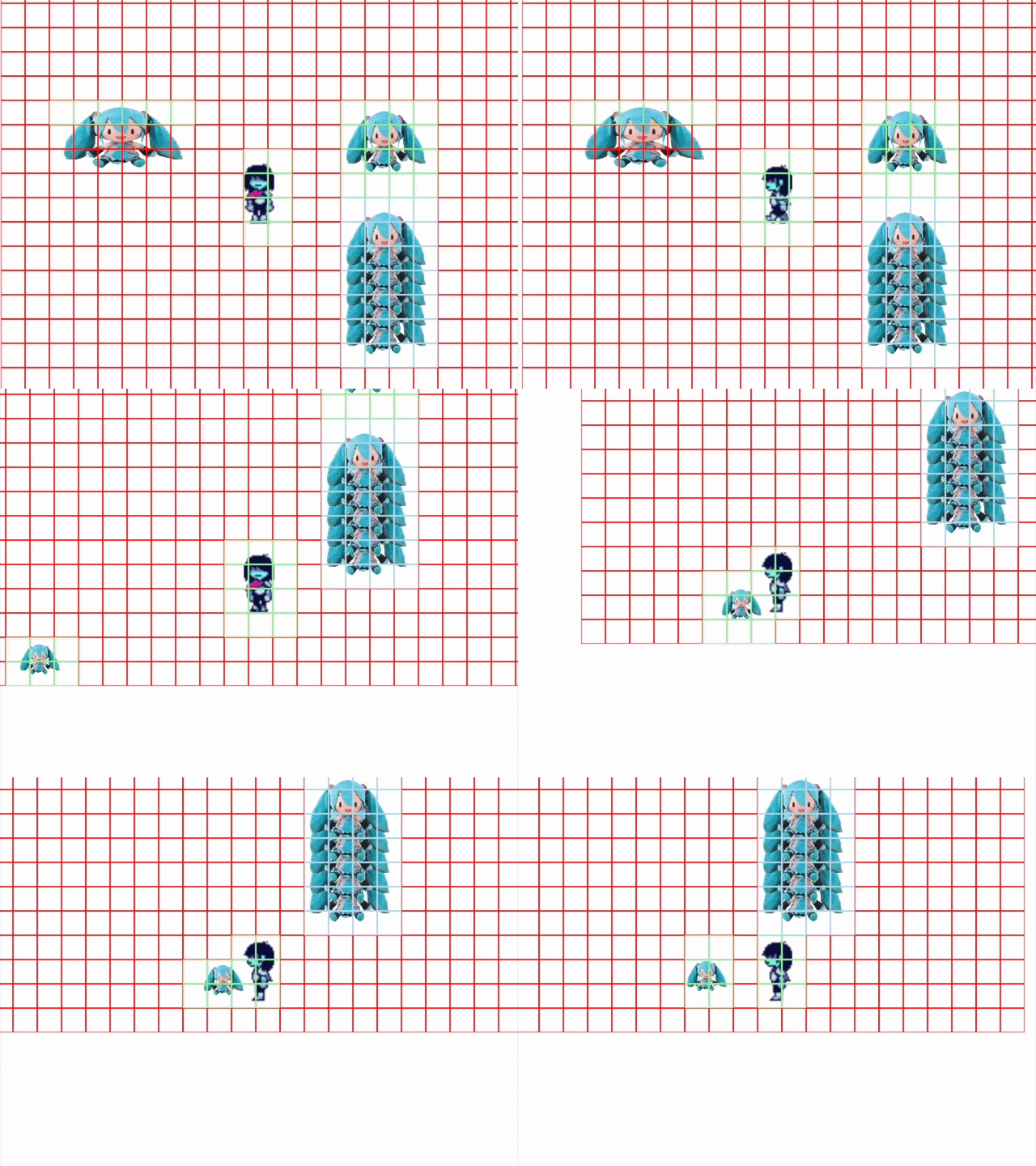
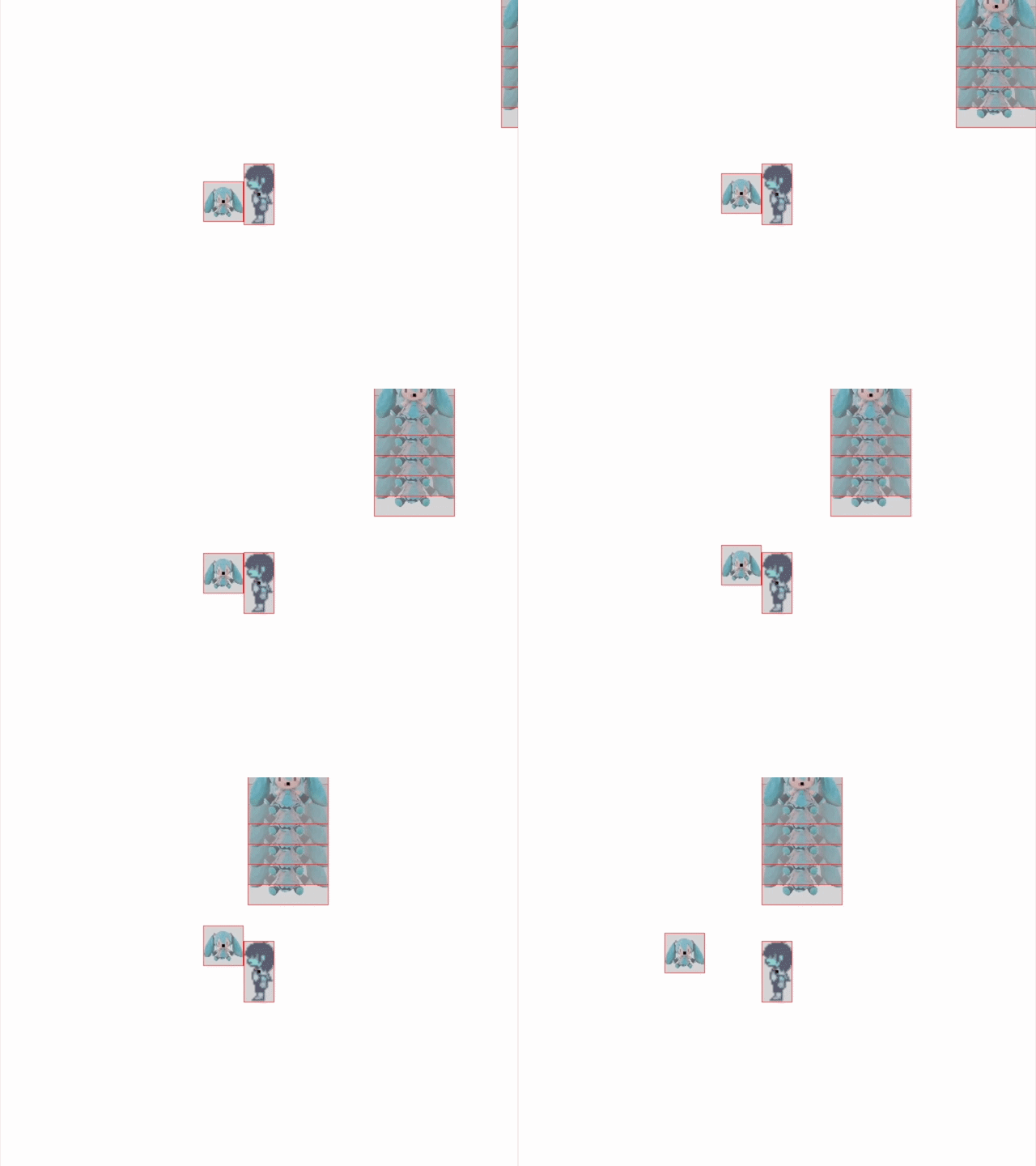
I also spent time designing new features which could bolster Sesame's general development capabilities.
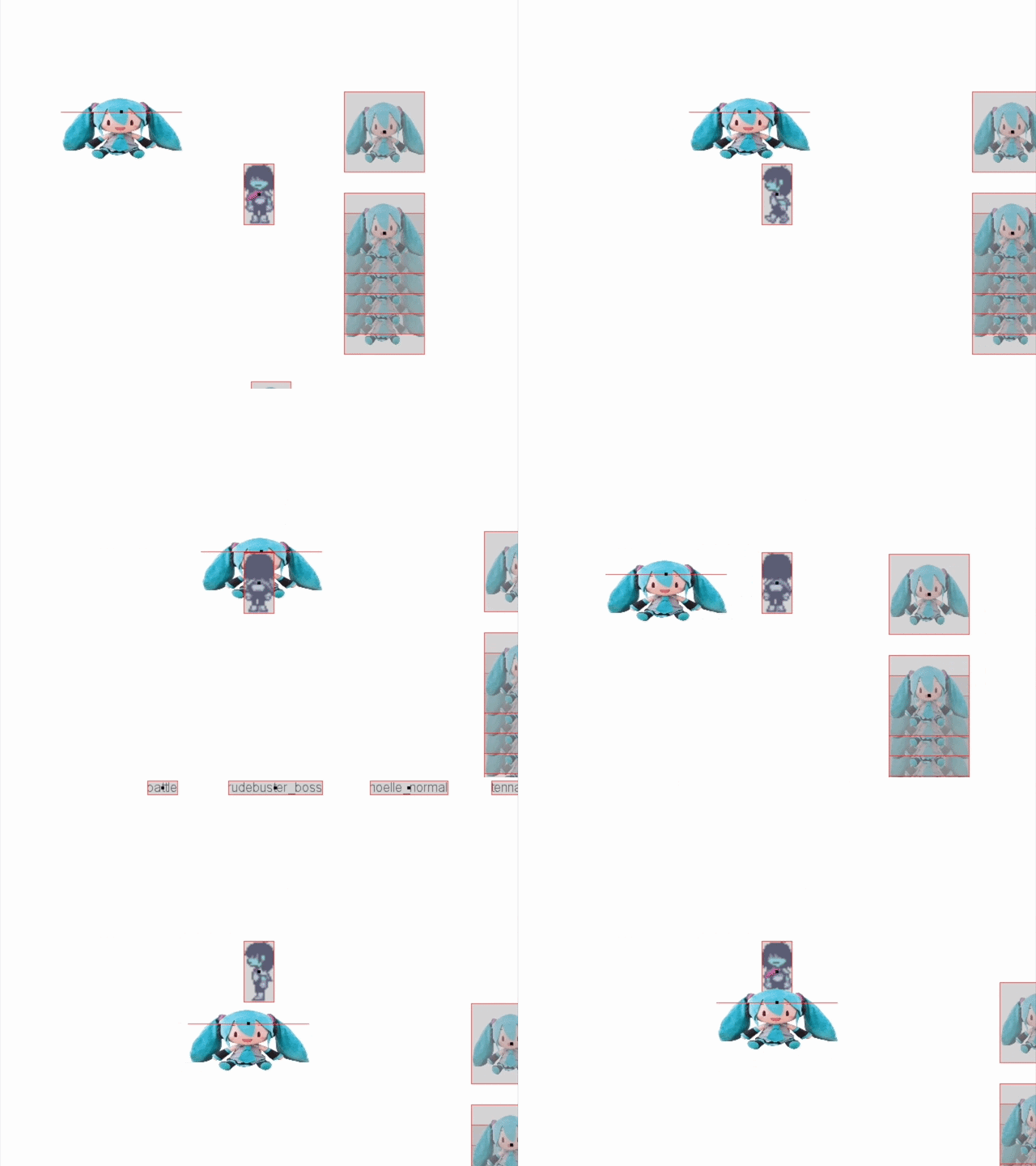
Editor V2
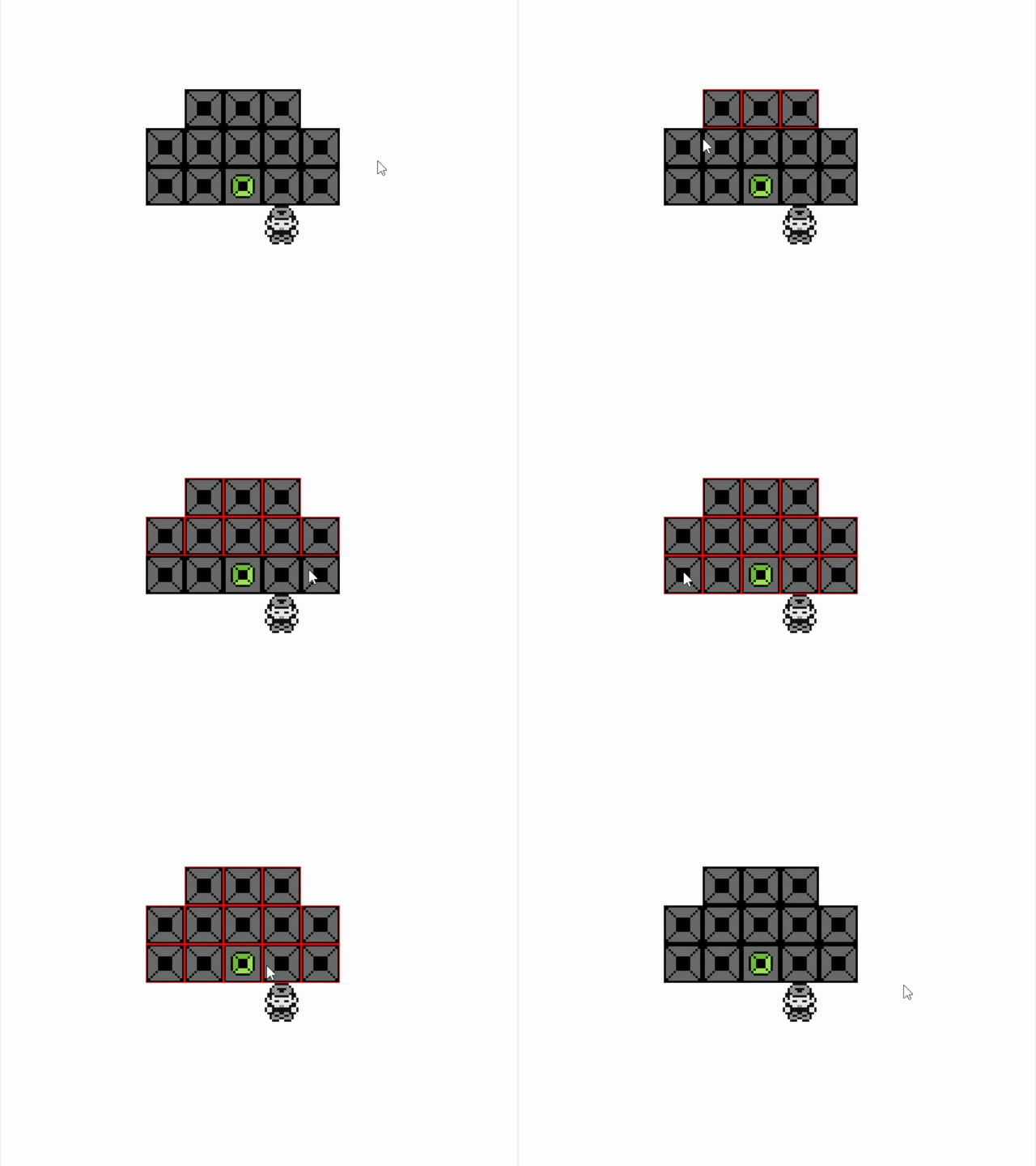
Following all the low-level changes made in the conversion to C#, I felt it was equally important to reimagine Sesame's editor. Two main additions lead the charge in redesigning the editor experience: freedom from grid-based placement, and in-editor management of object properties.

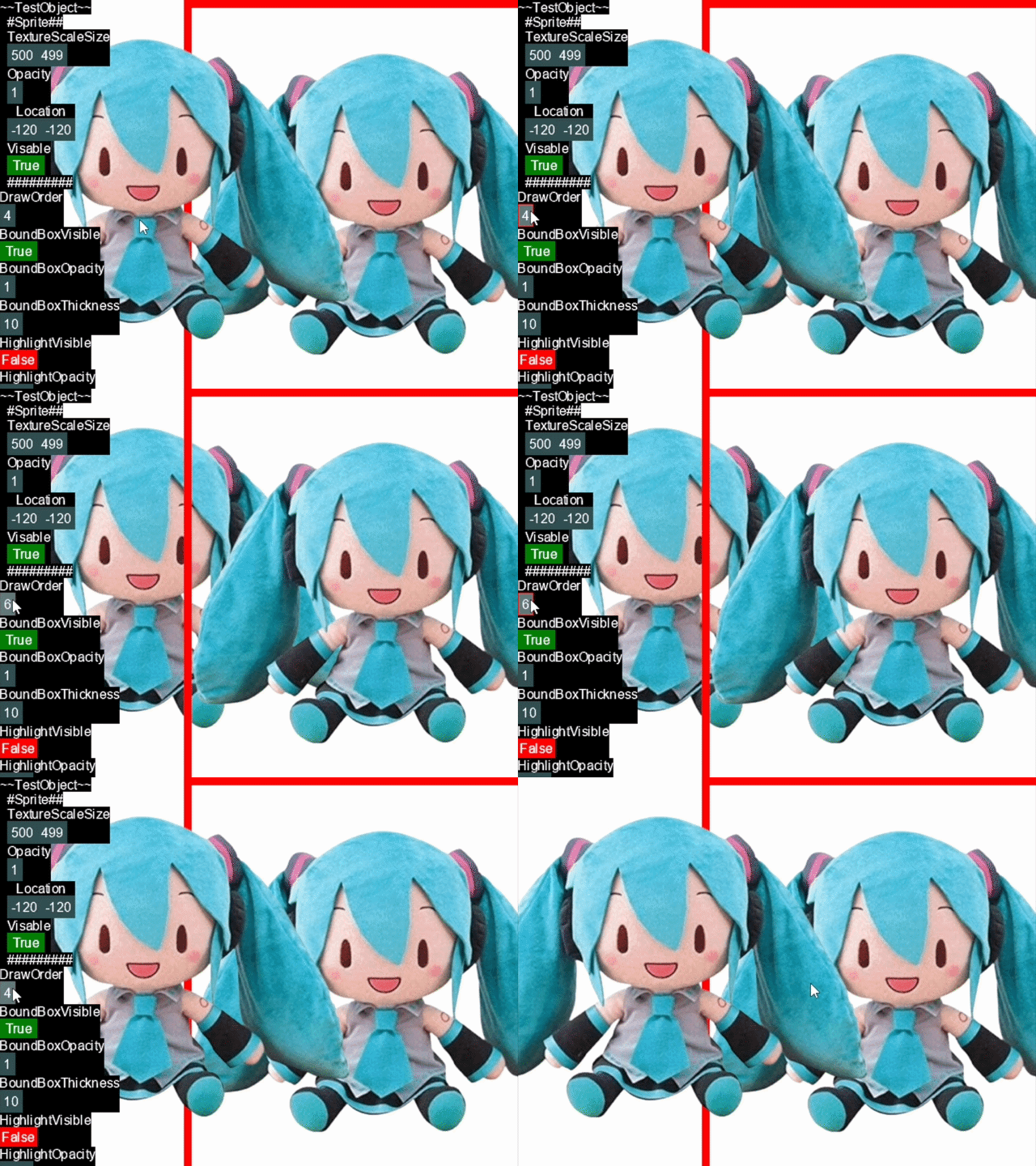
The inclusion of property management was no small task and took considerable development time. Similar to how object classes are populated at runtime, properties of a class instance are accessed upon request in-editor. In order to freely alter instance properties, responsive UI elements were created for differing variable types (Bool, Float, Vector2, etc) and dynamically populated as needed.
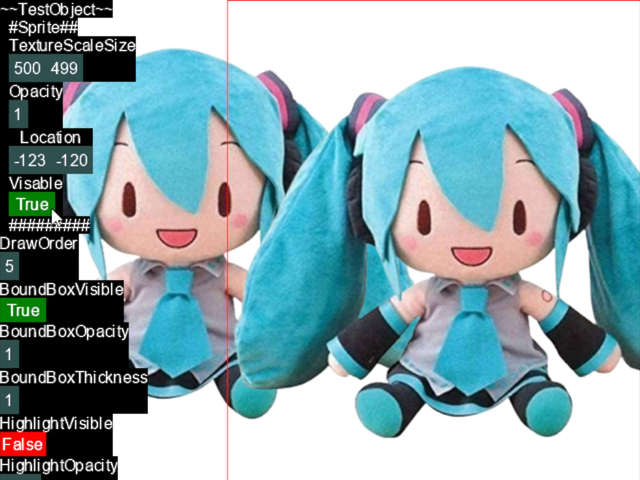
Work done on real-time property modification further allowed for granular control over the new and improved tile manager.
Another large addition was the inclusion of a level select/management screen. From here, levels could be created, deleted, and edited freely. This was a huge step up from the previously console-based level management process.
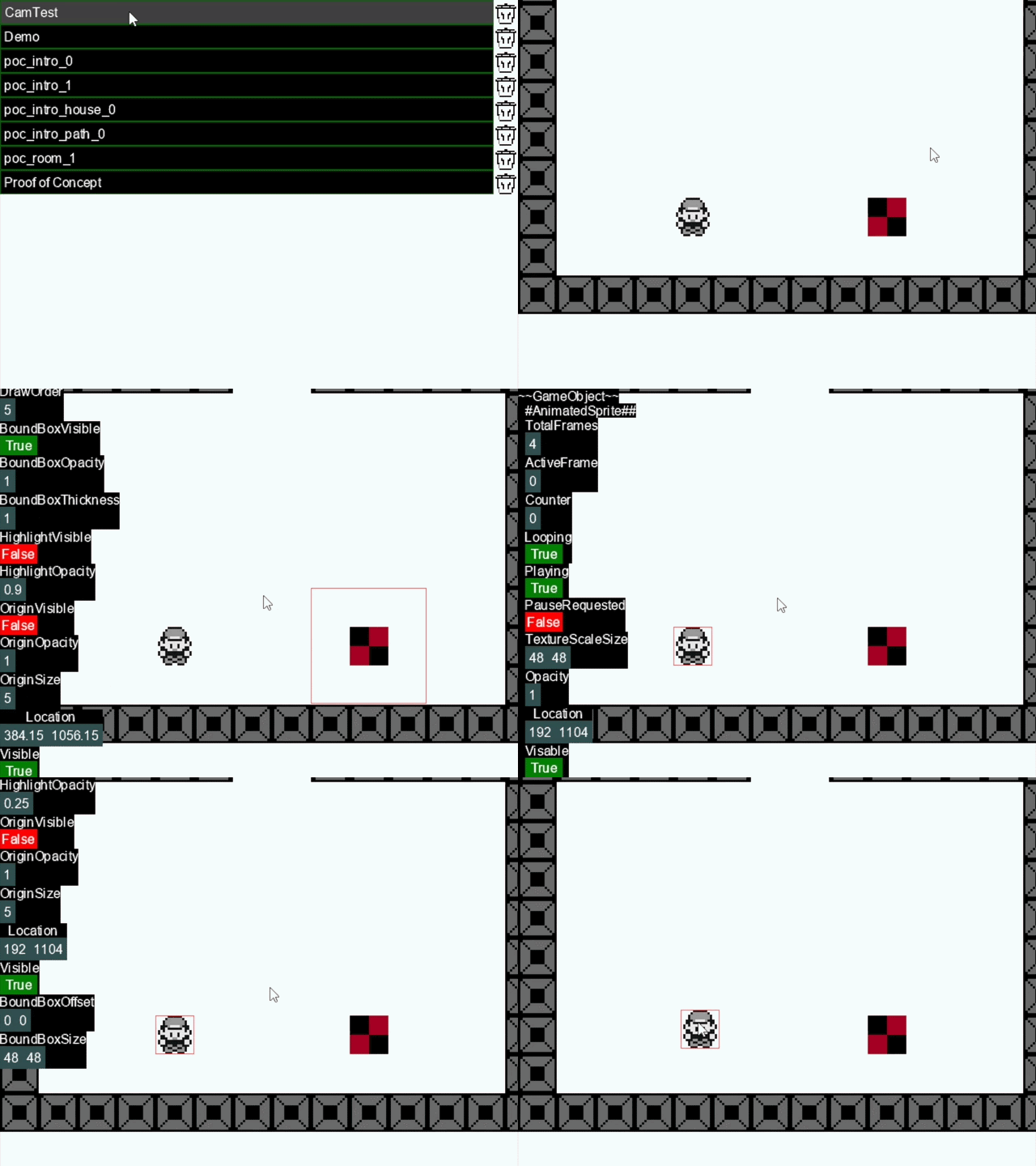
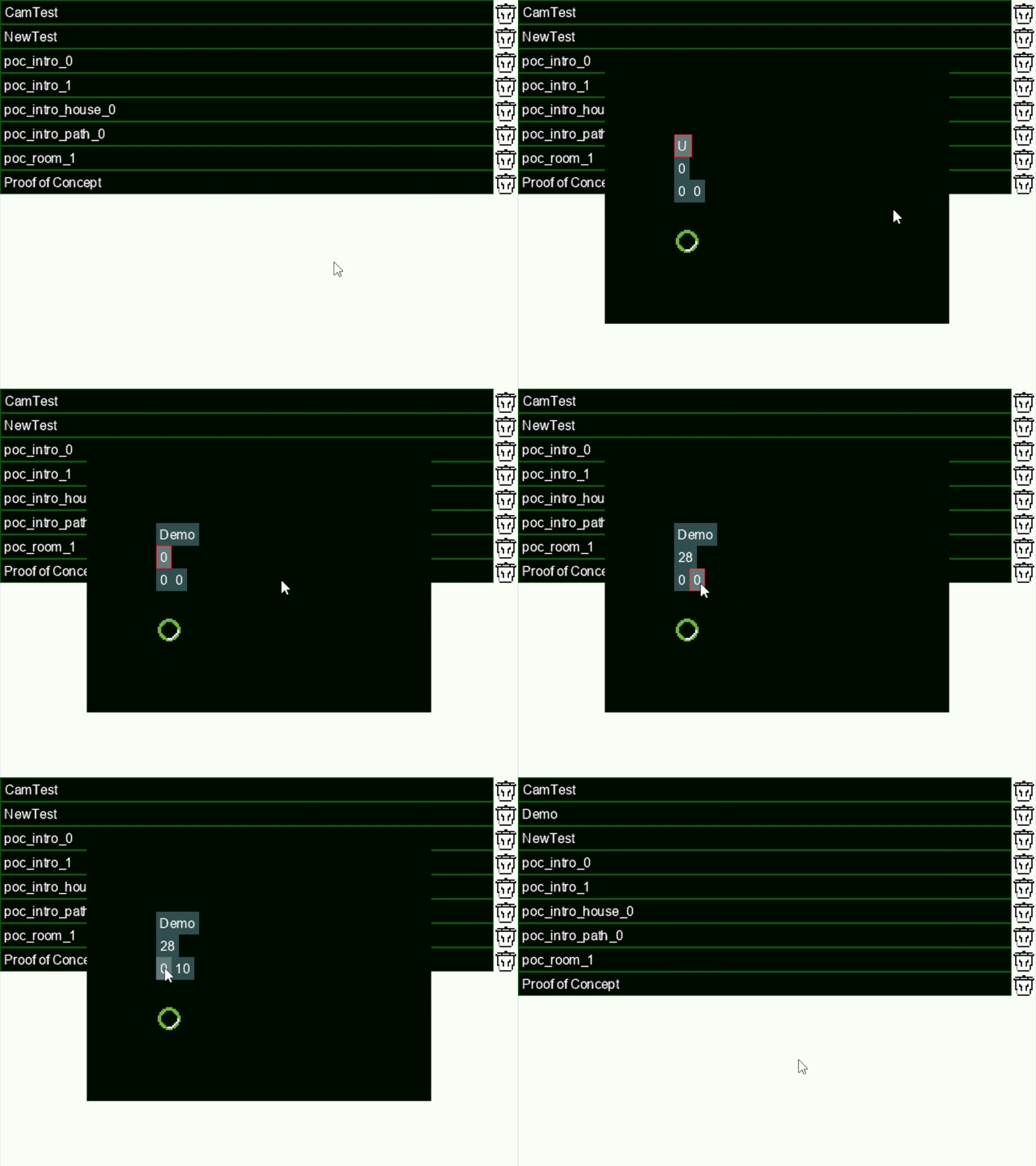
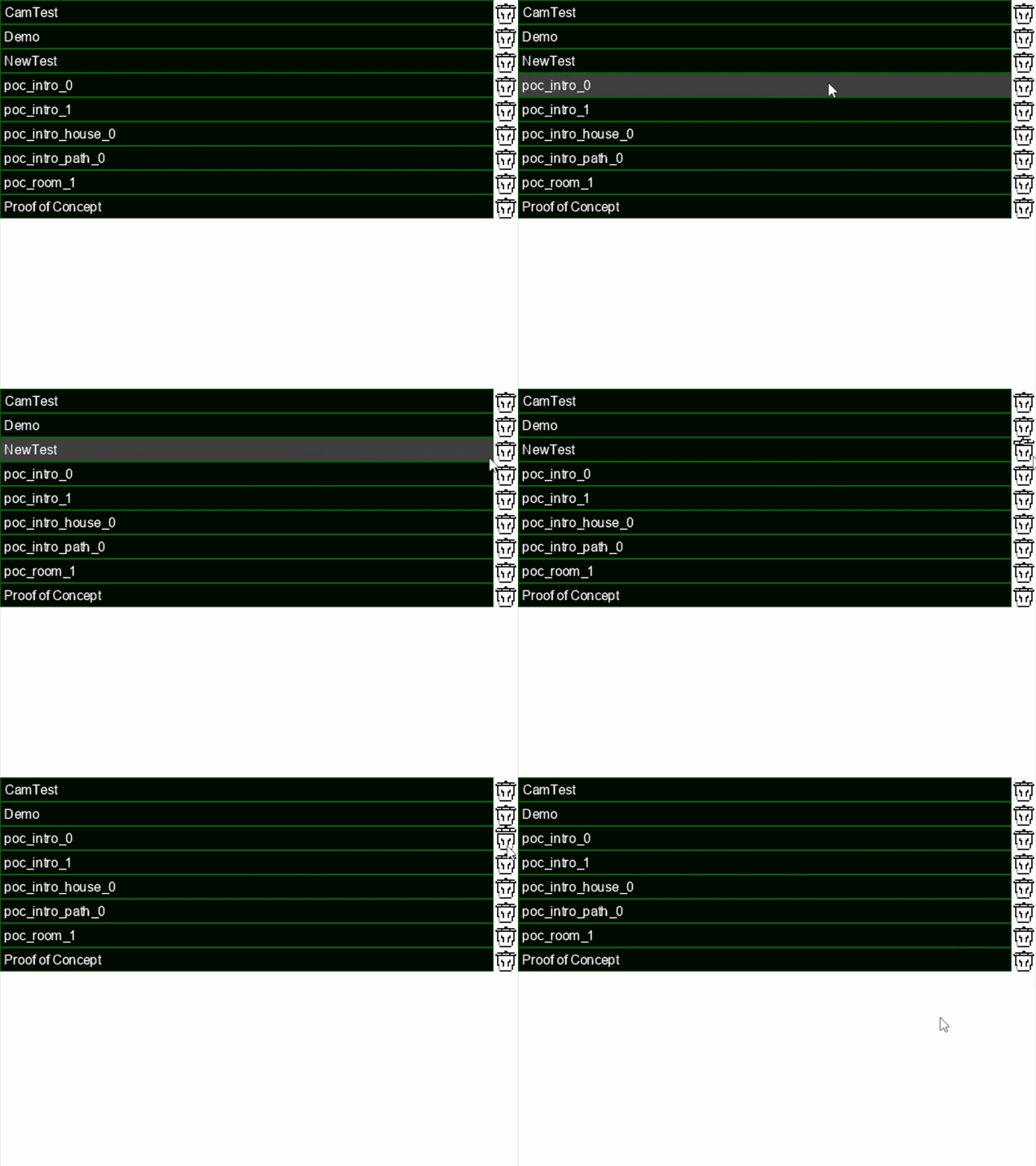
Finally, improvements to the experience of editing levels were made to support full-scale development.
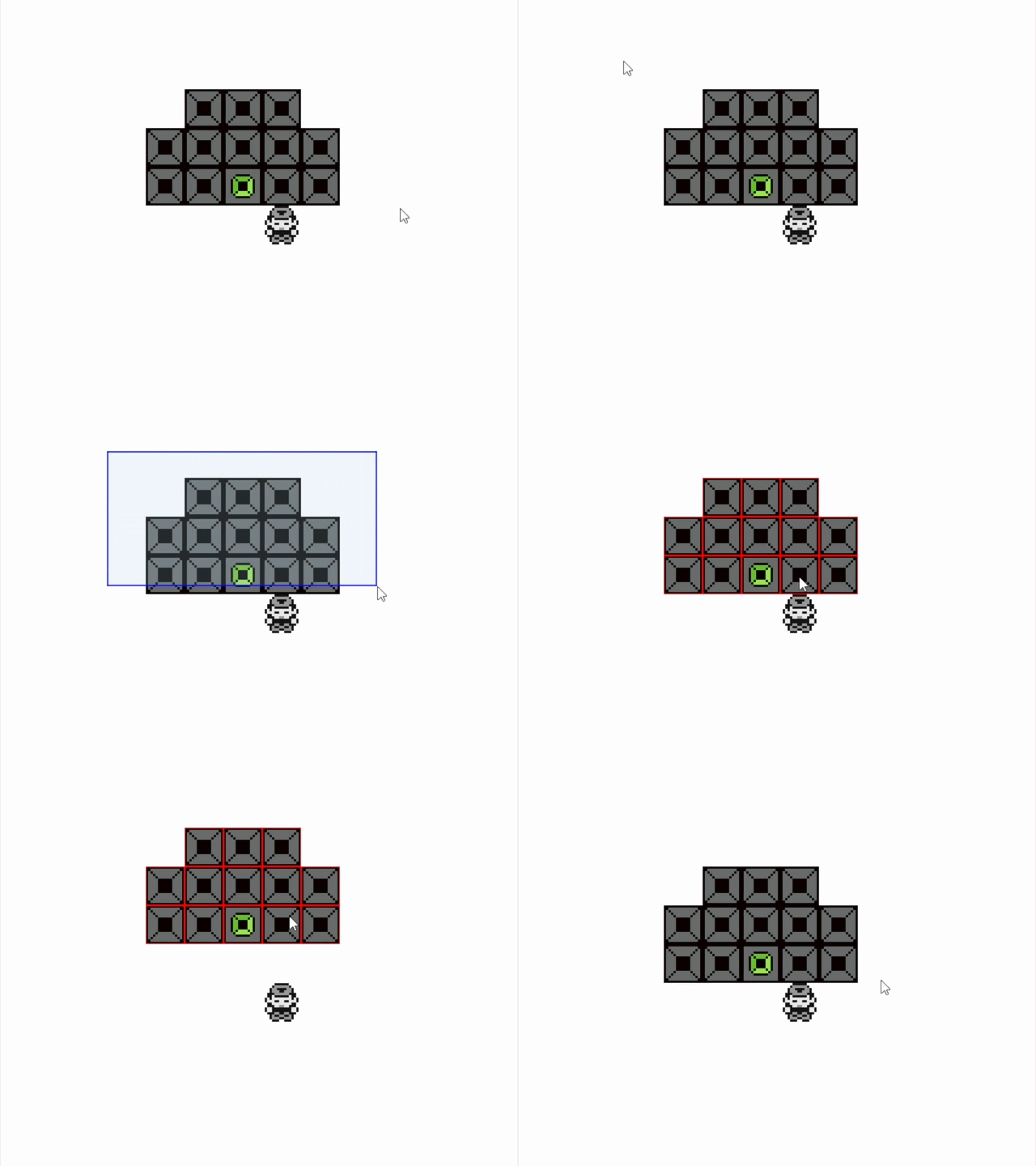
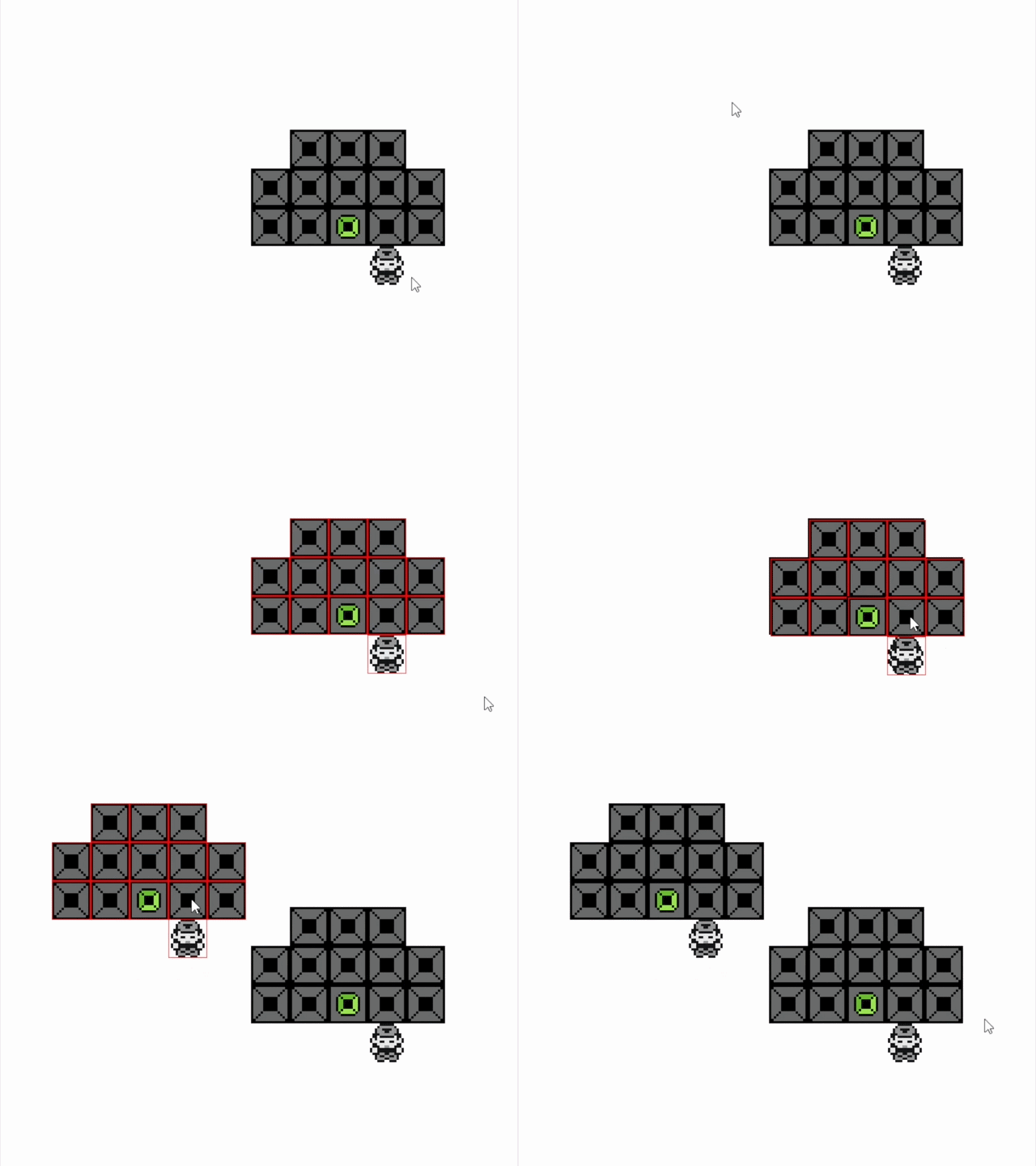
It was with this iteration of Sesame that I spent some time exploring new concepts for a possible future title. Said title never got beyond the prototyping phase, but helped to further illuminate Sesame's strengths and weaknesses.
Postmortem
Feeling thoroughly burnt out on the project, I decided to end active development of Sesame. My time working on the engine may not have led to any public-facing releases, but it was an invaluable introduction to a plethora of systems development and design principles. Through creating Sesame and its various iterations, I grew as a programmer, designer, and artist.
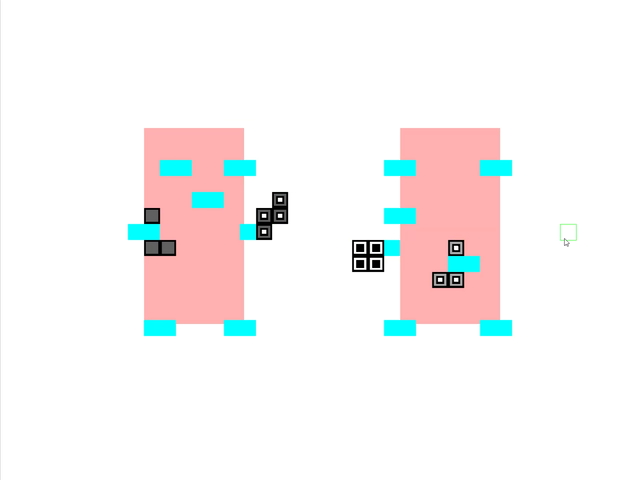
In the end, I didn't know if I would ever return to Sesame. All I knew was that whatever my next game would be, I'd be writing it from scratch.